Repeater Mode Settings Panel
- Desktop
- Mobile
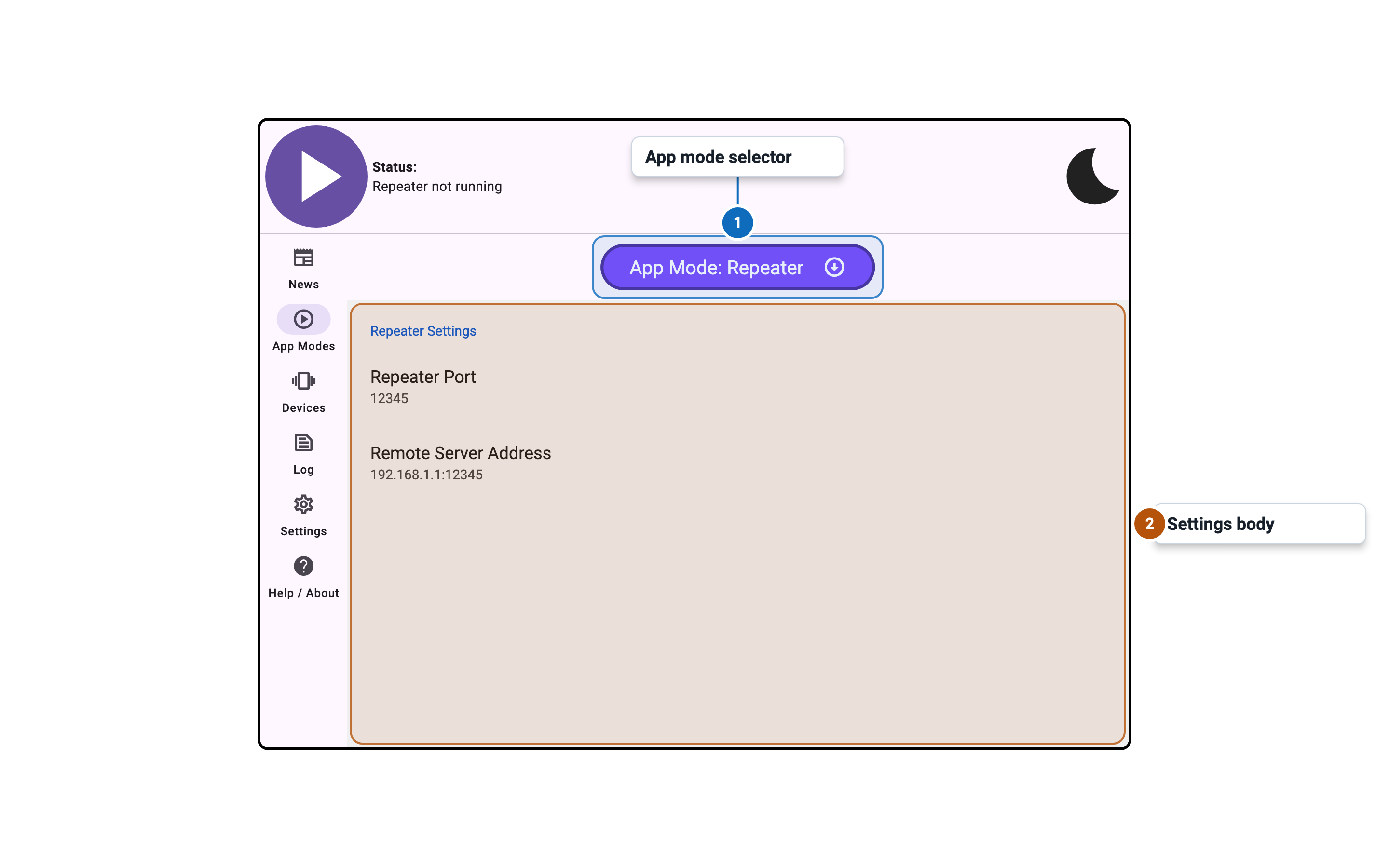
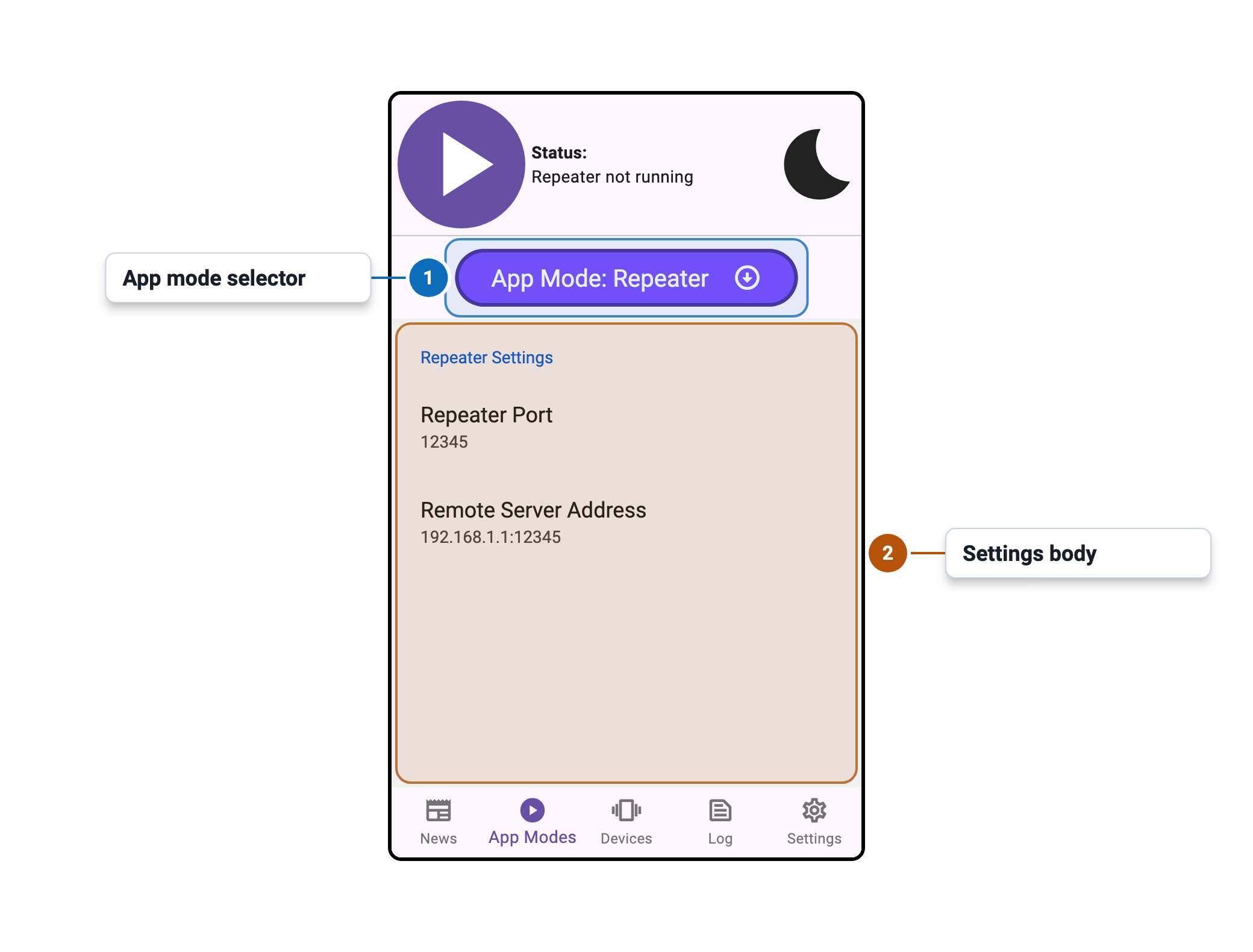
Overview
Full instructions will be added soon, but for now, here's a quick overview of how Repeater Mode works.
- Start Intiface Central on your phone
- Start the server on your phone
- On desktop, change mode to "Repeater"
- For the repeater address, put in your phone IP address as shown in Intiface Central.
- If you are using Intiface Central v2.6.0 or earlier, MAKE SURE TO ADD ws:// at the front otherwise the app will crash. This will be fixed in v2.6.1 at later versions.
- Start repeater on Intiface Central desktop
- For the app you are trying to use on desktop, connect to 127.0.0.1:12345 as normal
- The connection should then forward to your phone
Settings
| Setting | Control | Default | Availability / notes |
|---|---|---|---|
| Repeater Port | Numeric entry | 12345 | Disabled while engine is running; valid range 1025-65535 |
| Remote Server Address | Text entry | 192.168.1.1:12345 | Disabled while engine is running |