App Modes Panel
- Desktop
- Mobile
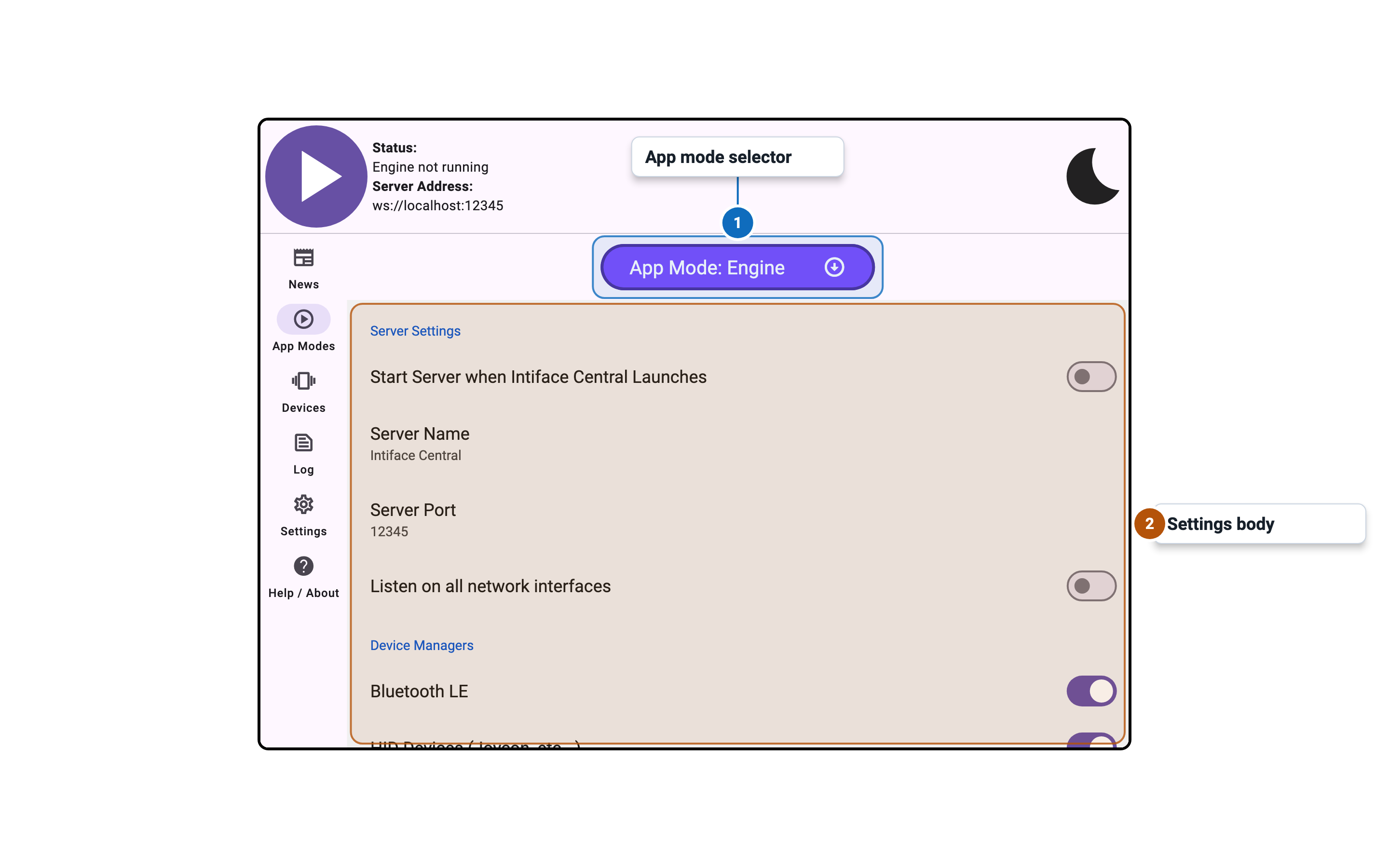
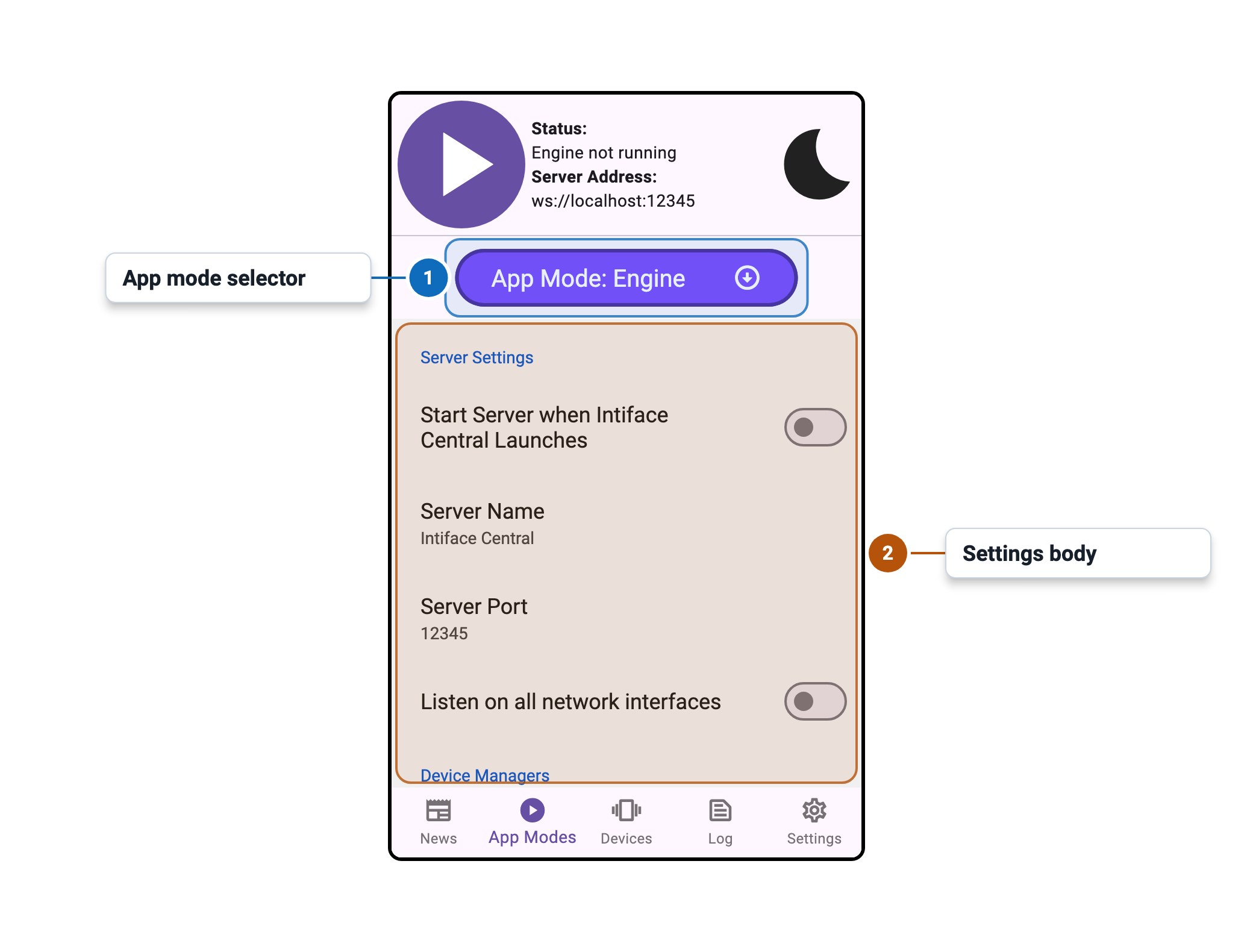
Control Panel
The Control Panel presents control of the Engine, as well as status about connected clients, network addresses that are being listed on, etc... This panel will always be visible, to make sure the engine can be controlled and monitored at all times.
Navigation
The Navigation area provides access to different sections of the app, such as the app modes, device setup and control, and settings.
Main Body
The Main Body is where most of the app's interaction happens. This area will change depending on the current app mode. For instance, when the "Devices" tab is selected, the main body will show a list of available devices to connect to.