Engine Mode Settings Panel
- Desktop
- Mobile
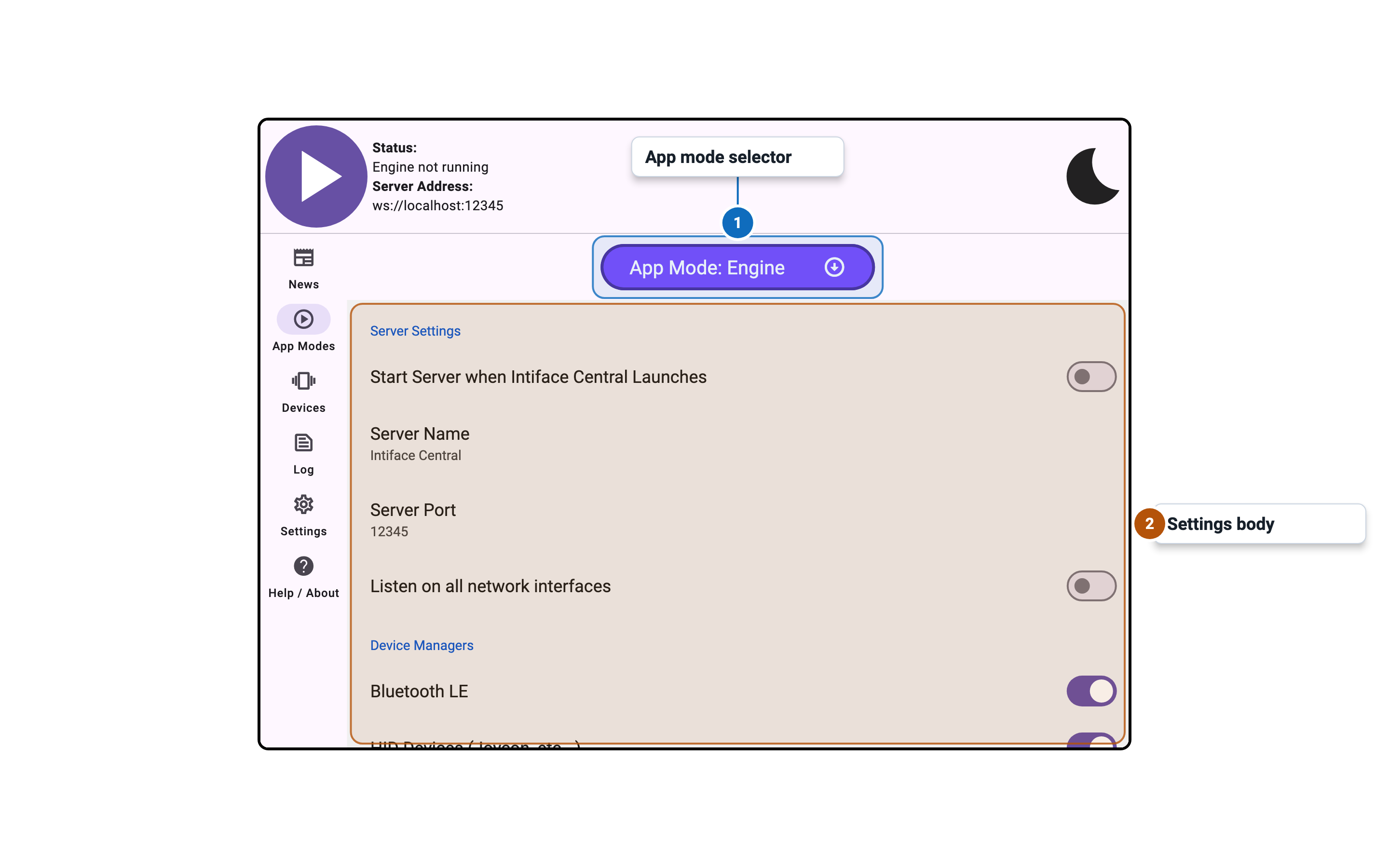
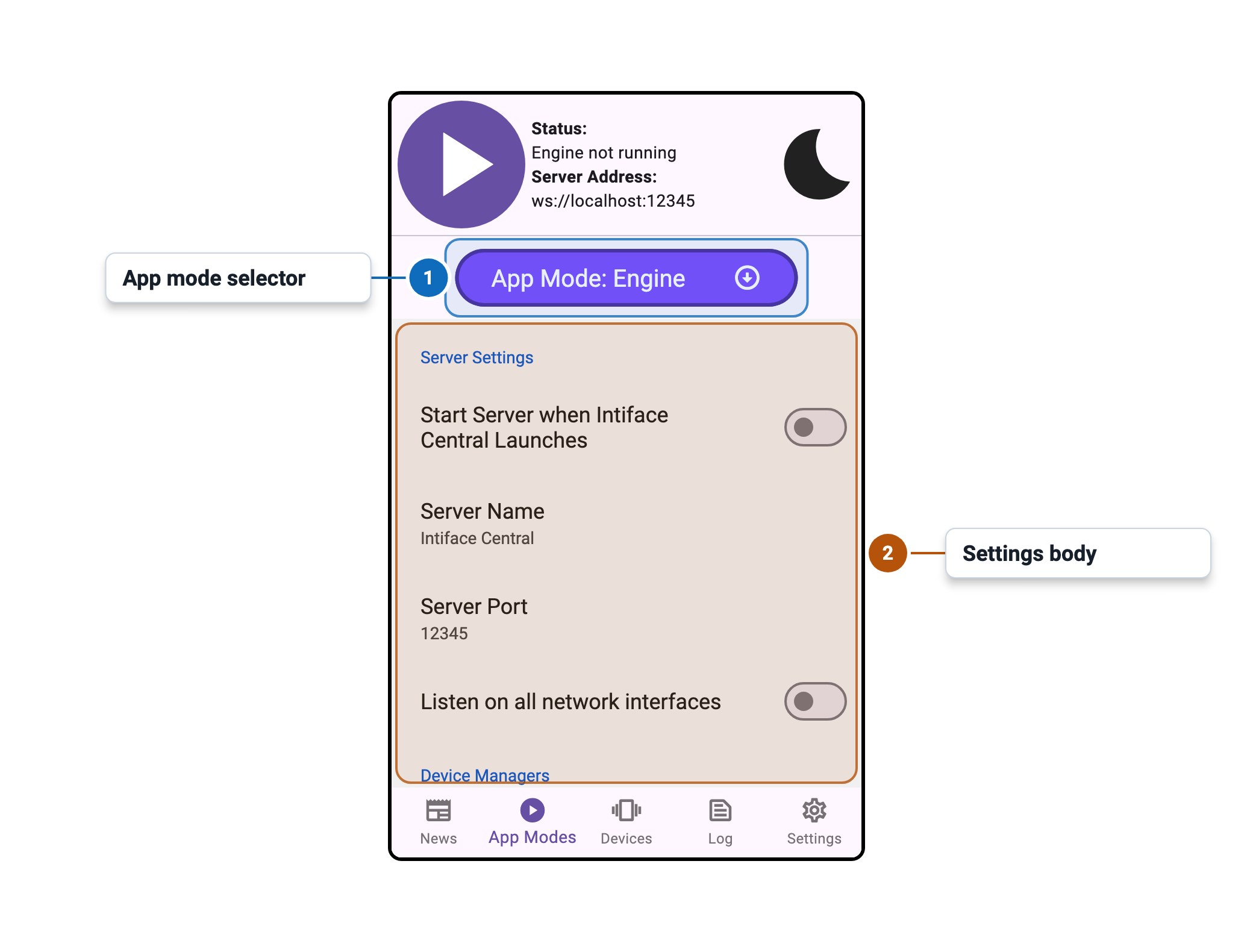
Settings
Server Settings
| Setting | Control | Default | Availability / notes |
|---|---|---|---|
| Start Server when Intiface Central Launches | Toggle | Off | Disabled while engine is running |
| Server Name | Text entry | Intiface Server | Disabled while engine is running |
| Server Port | Numeric entry | 12345 | Disabled while engine is running; valid range 1025-65535 |
| Listen on all network interfaces | Toggle | On mobile, off elsewhere | Disabled while engine is running |
Device Managers
| Setting | Control | Default | Availability / notes |
|---|---|---|---|
| Bluetooth LE | Toggle | On | Disabled while engine is running |
| XBox Compatible Gamepads (XInput) | Toggle | On on Windows | Windows only; disabled while engine is running |
| HID Devices (Joycon, etc...) | Toggle | Off | Desktop only; disabled while engine is running |
| Lovense Connect Service (DEPRECATED) | Toggle | Off | Desktop only; shows deprecation dialog when enabled |
| Lovense USB Dongle (HID/White Circuit Board) (DEPRECATED) | Toggle | Off | Desktop only; shows deprecation dialog when enabled |
| Other Device Managers are in Advanced Settings Below | Info row | N/A | Visible hint, not configurable |
Advanced/Experimental Settings
| Setting | Control | Default | Availability / notes |
|---|---|---|---|
| Show Advanced/Experimental Settings | Toggle | Collapsed unless previously expanded | Controls visibility of advanced rows |
| Broadcast Server Info via mDNS | Toggle | Off | Advanced only; disabled while engine is running |
| mDNS Identifier Suffix (Optional) | Text entry | Empty | Advanced only; disabled while engine is running |
Advanced Device Managers
| Setting | Control | Default | Availability / notes |
|---|---|---|---|
| Device Websocket Server | Toggle | Off | Advanced only; disabled while engine is running |
| Simulated Devices | Toggle | Off | Advanced only; disabled while engine is running |
| Lovense USB Dongle (Serial/Black Circuit Board) (DEPRECATED) | Toggle | Off | Advanced, non-mobile only; shows deprecation dialog when enabled |
| Serial Port | Toggle | Off | Advanced, non-mobile only; disabled while engine is running |