Advanced Device Management
- Desktop
- Mobile
Overview
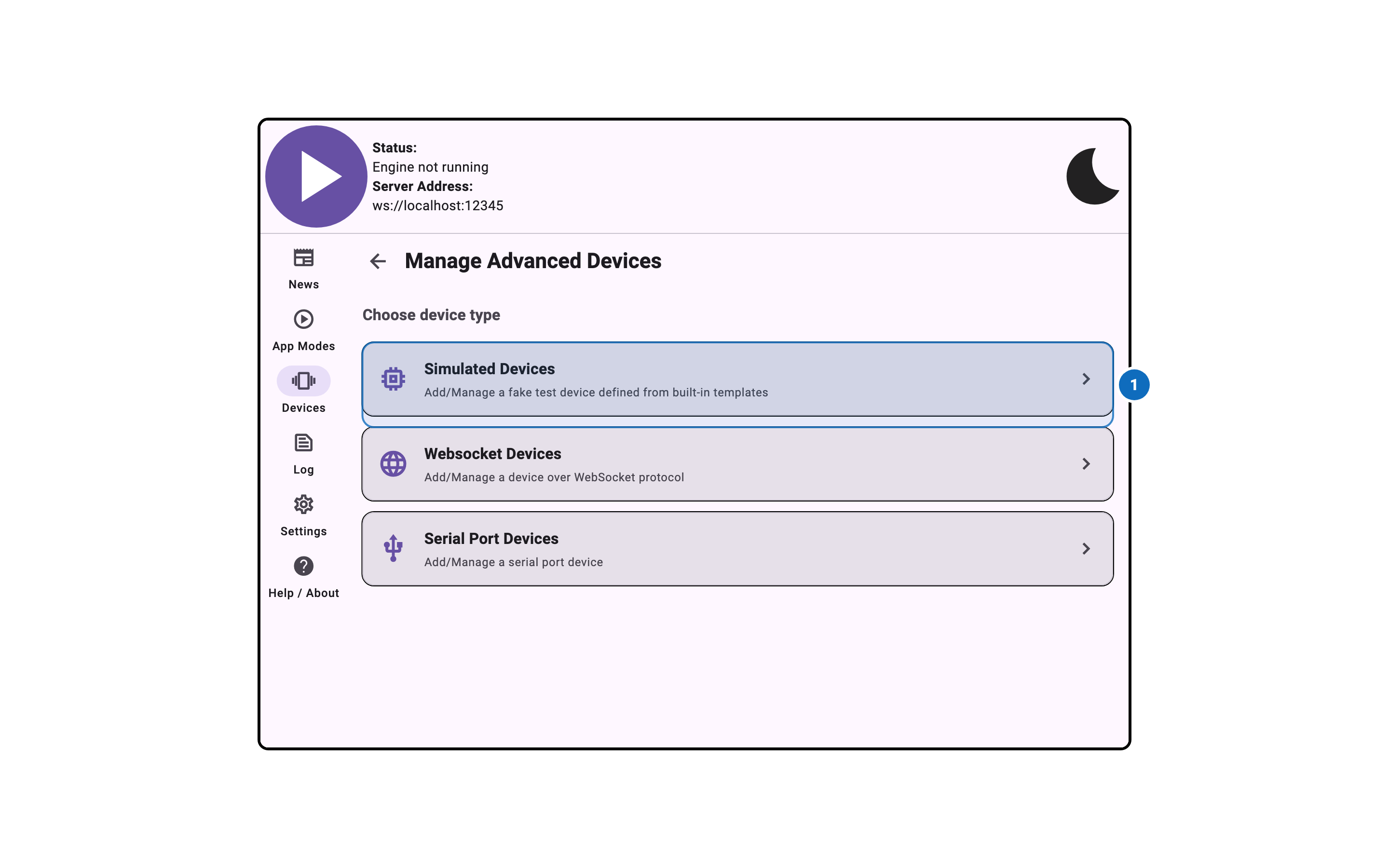
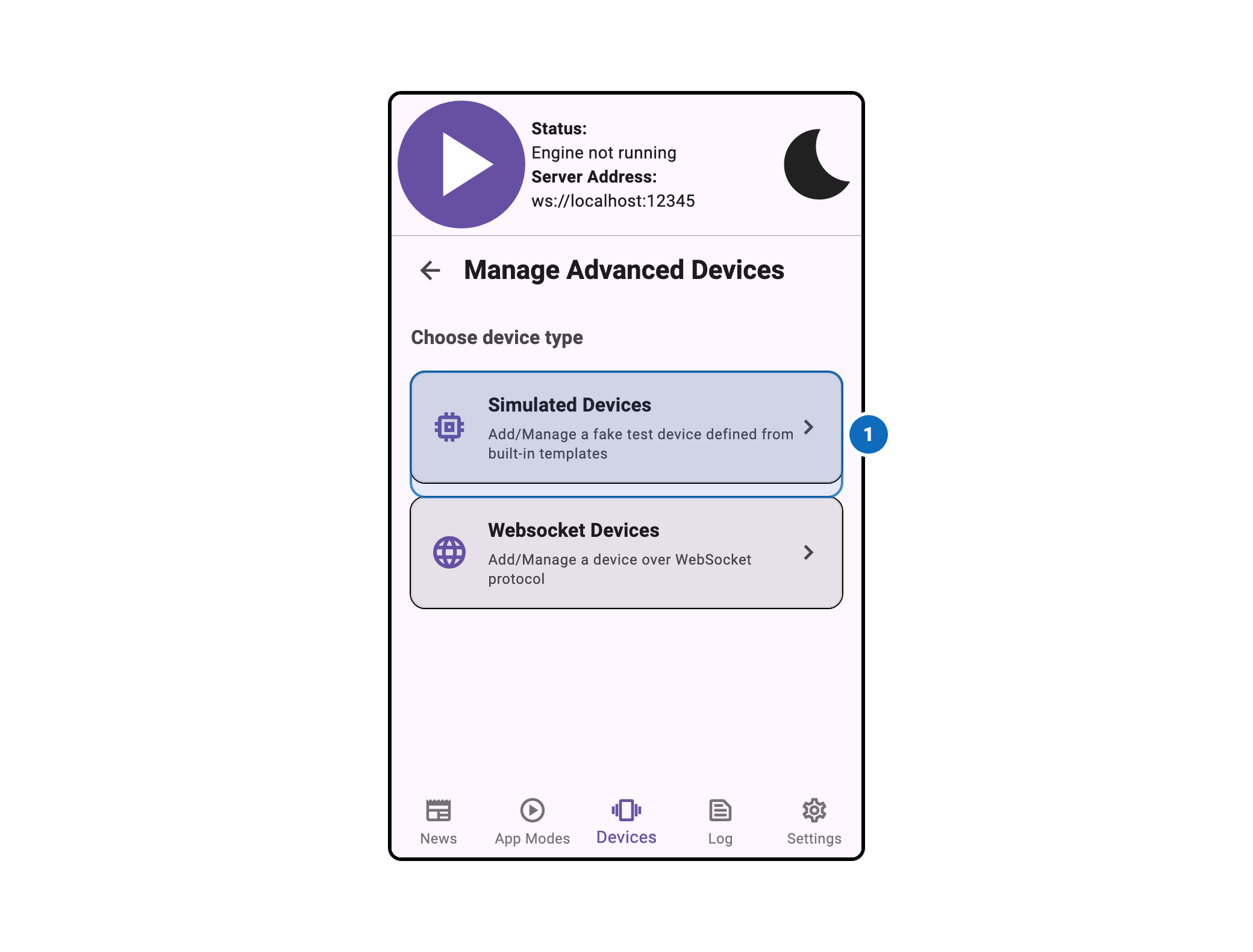
The Advanced Device Management window provides access to device managers that are not shown in the main settings panel. These device managers are hidden by default because they require additional configuration or are intended for advanced users.
To access this panel, enable Show Advanced/Experimental Settings in the App Modes tab, then enable the advanced device manager you want to configure.
Advanced Device Managers
The following device managers are available in the Advanced Device Management panel:
- Device WebSocket Server — Allows external devices to connect via WebSocket
- Simulated Devices — Enables simulated/virtual devices for testing
- Serial Port — Enables devices connected via serial port (desktop only)